CONTROLLED UNCLASSIFIED INFORMATION
Passwordless Authentication
Register Passkey
Manage your Passkeys
Troubleshooting/FAQ
Register YubiKey's Passkey
Use a compatible browser and operating system - this system uses the FIDO2/WebAuthN standard.
You can check
here
for a list of compatible browsers and operating systems.
You can test your device and browser
here
Click
here
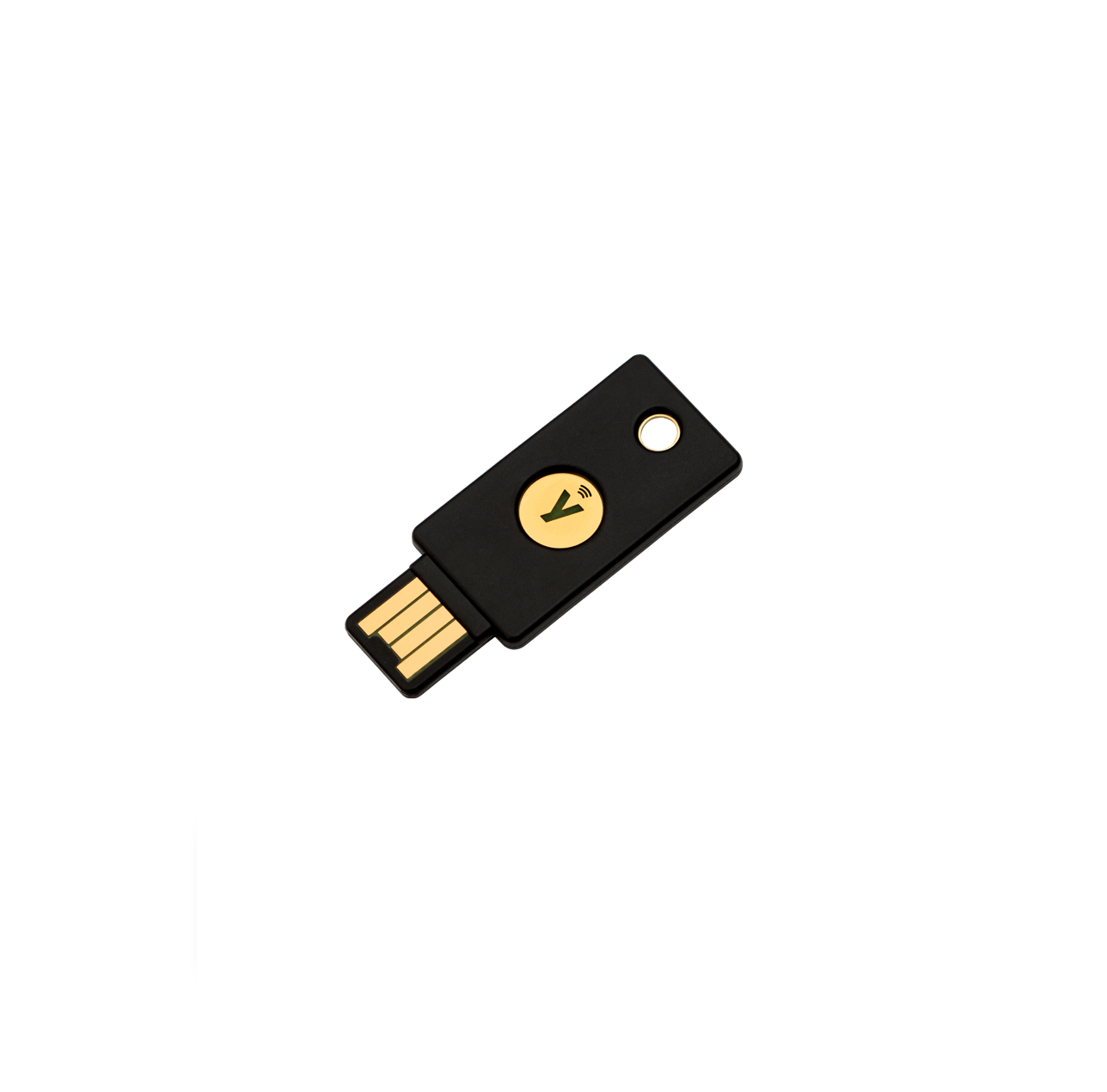
for a list of YubiKeys that support FIDO2/WebAuthN.
Issue: Registration fails due to unsupported device.
Ensure that your device is FIPS 140-2 validated
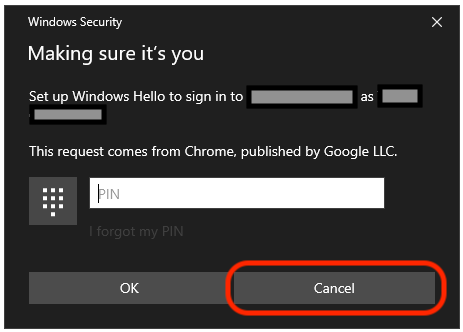
Issue: Windows prompts for Windows Hello instead of the inserted security device.
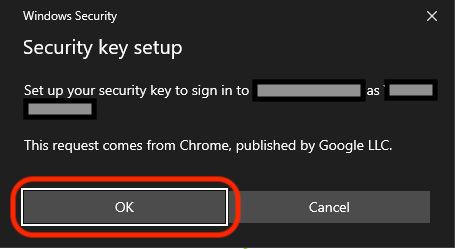
Windows: If prompted for Windows Hello, hit Cancel to proceed to Security Key setup
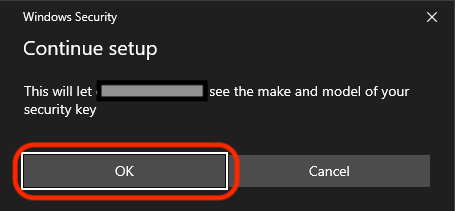
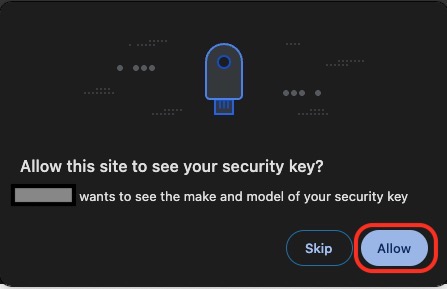
Issue: Registration fails due to missing attestation certificate.
Windows/OSX: Hit OK/Allow during registration to permit usage of your device attestation certificate.
Issue: Registration fails due to device configuration, or not enough space on device.
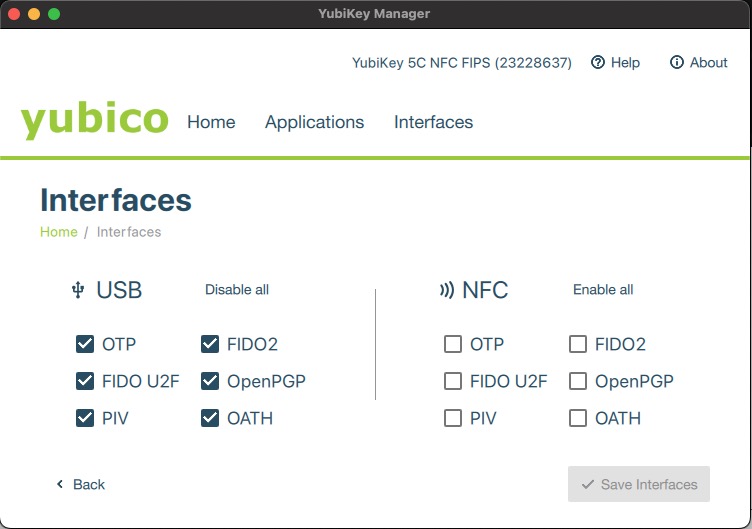
Windows/OSX: Use the YubiKey Manager app to configure PIN and manage device interfaces. Ensure the FIDO2 interface is enabled. If you have reached the maximum number of credentials that can be stored on your device, click
here
for documentation of the
ykman / ykman.exe
command-line tool for interacting with individual credentials.
CONTROLLED UNCLASSIFIED INFORMATION